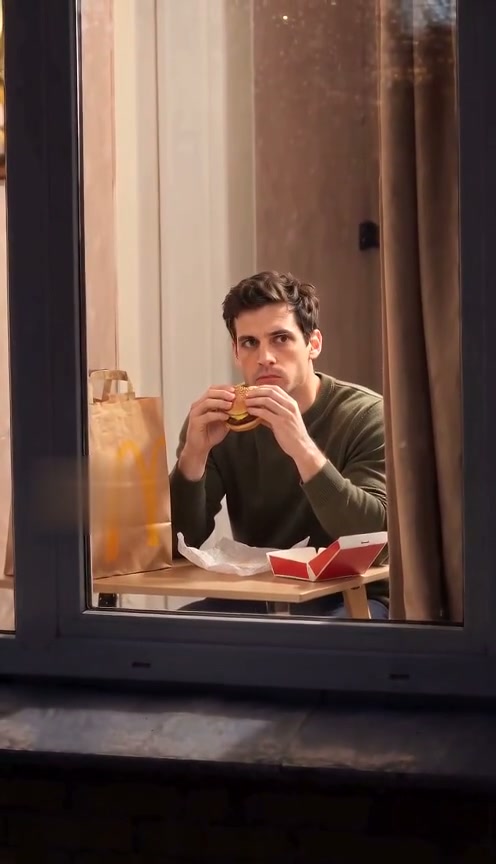
 10-second example
Scene 01
Window Peeper / Window burger
A window-side burger moment, a caught-in-the-act look, and a curtain pull.
Make a Window Peeper video online
Upload a photo for a window-side burger moment, a playful dance, or a silent window comedy. Each clip ends with a curtain pull.
Make a Window Peeper video Reviewed AI sampleWatch the examples
Updated
Upload a clear photo and choose a burger moment, a playful dance, or silent window comedy.
Pay once · no subscription
A sharper 720p picture on a stronger model.
Add your photo now or later; it stays here through checkout
Reviewed AI sample
A window-side burger moment, a caught-in-the-act look, and a curtain pull.
Scenes
Preview the burger-window moment, Window Dance, and Window Comedy.
10-second exampleScene 01
A window-side burger moment, a caught-in-the-act look, and a curtain pull.
 10-second example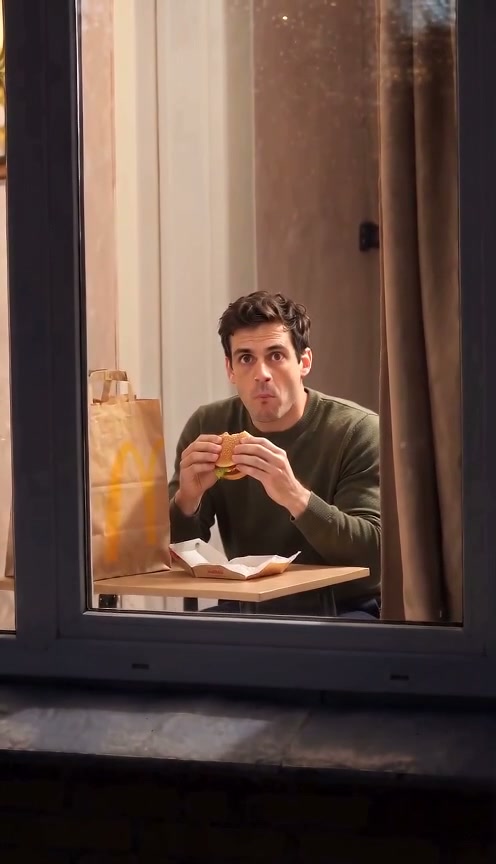
 10-second example
Scene 03
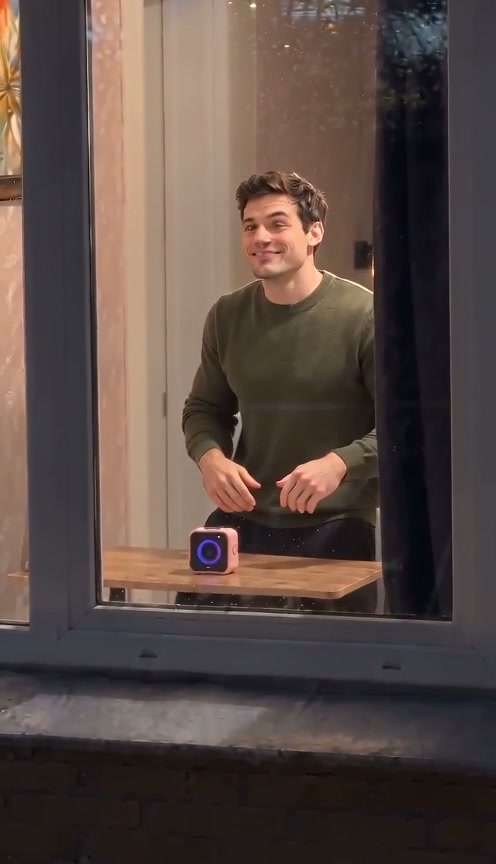
A silent, expressive comedy beat at a window, inspired by physical comedy.
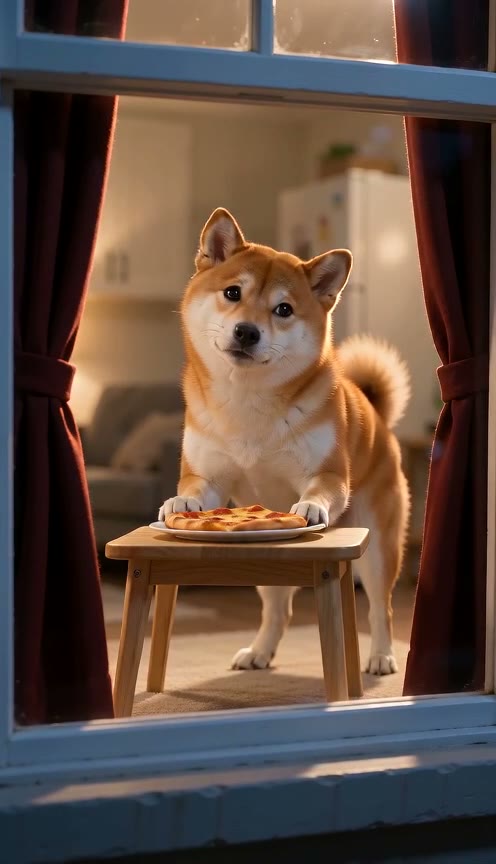
 10-second example
Scene 04
A pet notices the camera while eating beside a warmly lit window, then closes the curtain.
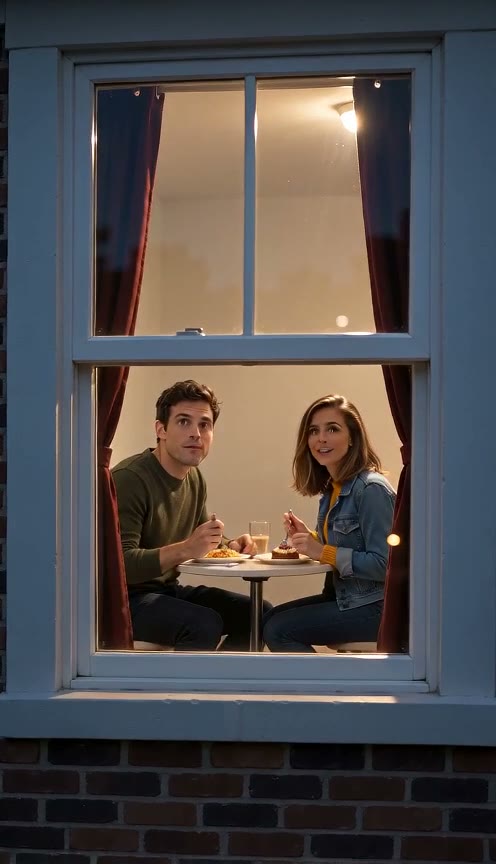 10-second example
Scene 05
Two people share dinner at a warm window, notice the camera, smile, and close the curtain.
How it works
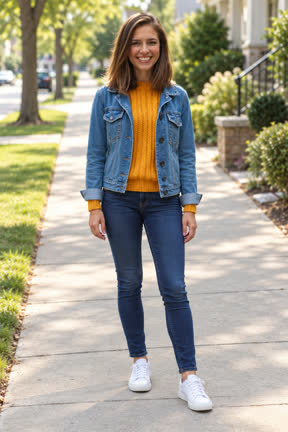
Choose a clear photo with the face visible so the video can use it as the subject reference.
This page makes the Window burger scene; the other four scenes have their own pages. Pick 720p or 480p, then generate.
Review the generated vertical video and download it when it is ready.
Before you generate
Window Peeper is a short vertical video joke that spread on TikTok: a camera moves toward one lit window in a dark building at night, someone inside is caught mid-moment, they freeze and stare back, then pull the curtain shut.
Window Peeper AI makes that clip from your own photo. Your photo decides who is in the window; a prepared scene decides the camera move, the timing and the action, so you never film or edit anything. Each video is 10 seconds, 9:16, with sound.
There are five scenes: the classic burger bite, a window dance, a silent physical-comedy take, a pet caught at the window, and a dinner for two from two photos. The joke reads in a few seconds and needs only a face, which is why it is easy to copy.
Pricing
Pick how many videos you want. Pay once, no subscription. Videos you have not made yet never expire, and a video that fails returns to your balance automatically.
A sharper 720p picture on a stronger model.
FAQ
It is an online AI video generator for the Window Peeper scene. Upload a photo, choose the scene, generate a vertical video, and download it.
No. This is an AI video generator, not a camera filter. It creates a video from an uploaded photo and a selected scene.
No. The goal is to generate the video directly on this site. CapCut is a separate editing app and is not required to create the clip.
Choose a burger-window moment with a surprised look and curtain pull, a playful dance framed by a window, silent window comedy with a deadpan stare, a dog or cat caught at the window, or a dinner for two from two photos.
Use a clear, well-lit photo with the face visible and avoid anything covering it. Only upload an image you have permission to use.
No. Upload your photo, choose a scene, and generate your video here.
Ready to get caught at the window?
Upload a photo and start with the Window Peeper / Window burger scene.
Make my video now