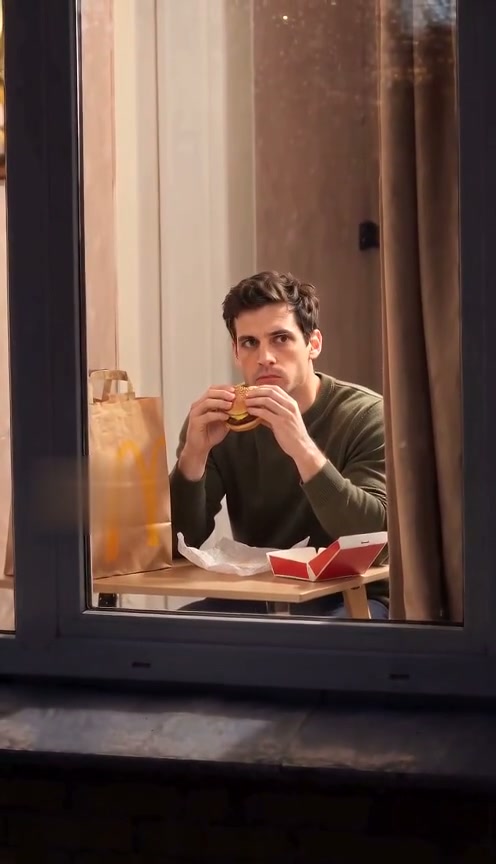
 10-second example
Scene 01
Window Peeper / Window burger
A window-side burger moment, a caught-in-the-act look, and a curtain pull.
Updated · Independent tool. Not affiliated with, endorsed by or sponsored by TikTok, CapCut, any template creator or any film or TV character.
As of 27 October 2026, the trend is a short window-side joke: someone seems to peek in, the person inside notices, and the reaction ends the scene. The structure is short, easy to imitate, and lets someone participate with a single face photo.
Make your videoUpload one photo, choose a quality, then buy a pack to generate.
Pay once · no subscription
A sharper 720p picture on a stronger model.
Add your photo now or later; it stays here through checkout
Reviewed AI sample
A window-side burger moment, a caught-in-the-act look, and a curtain pull.
| Time | Picture | Sound |
|---|---|---|
| 0–2.5s | Camera approaches one lit window. | Quiet city ambience |
| 2.5–4s | Person takes a burger bite without noticing. | Paper rustle and soft chewing |
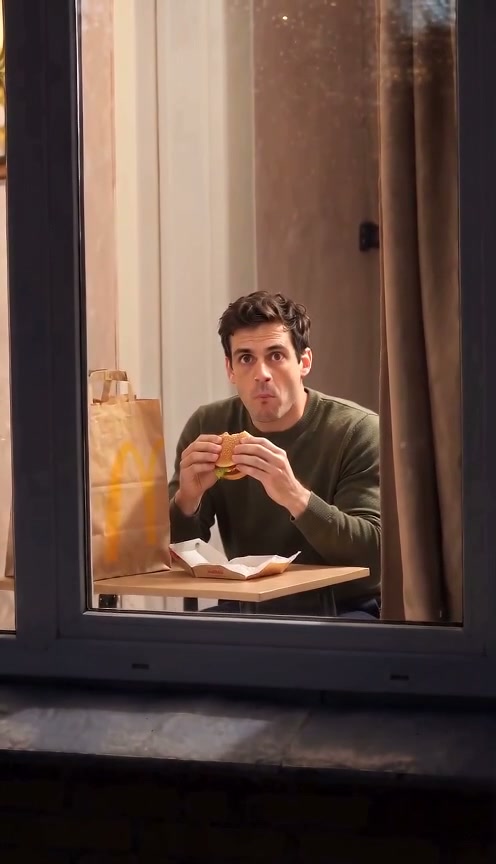
| 4–7.5s | Person notices the camera and freezes mid-chew. | Quiet city ambience |
| 7.5–8.5s | Person sets down the burger and stands. | Quiet city ambience |
| 8.5–10s | Person pulls the curtain closed. | Curtain swish |
Our clips run 10 seconds — a tightened edit of the six-beat version circulating on TikTok.
Scenes
10-second exampleScene 01
A window-side burger moment, a caught-in-the-act look, and a curtain pull.
 10-second example
 10-second example
Scene 03
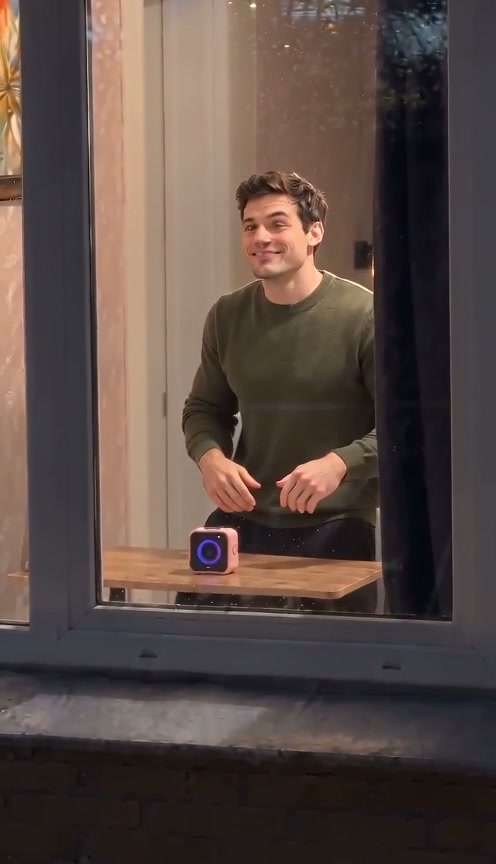
A silent, expressive comedy beat at a window, inspired by physical comedy.
 10-second example
Scene 04
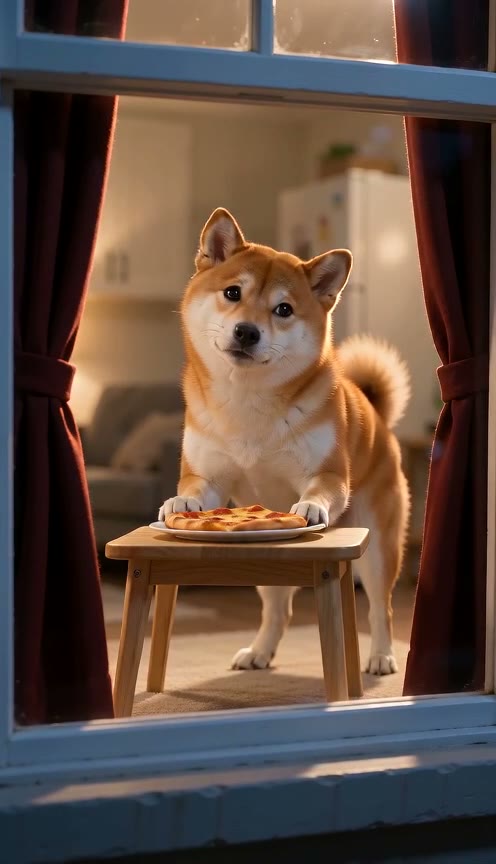
A pet notices the camera while eating beside a warmly lit window, then closes the curtain.
 10-second example
Scene 05
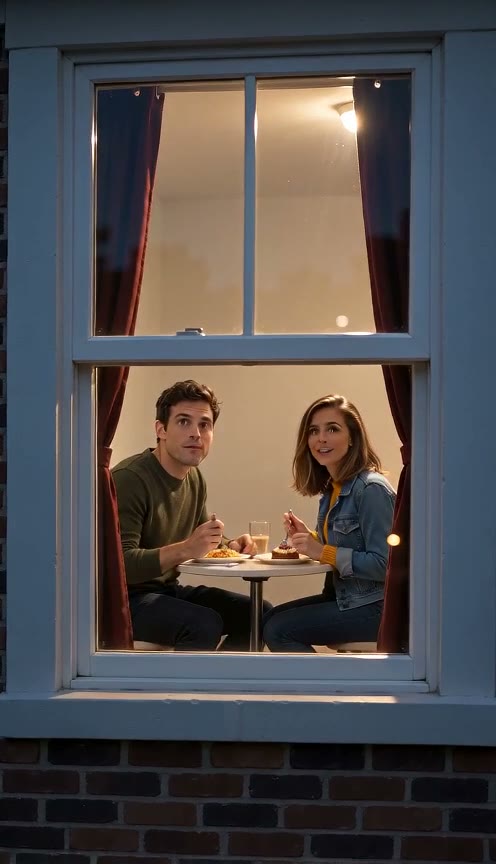
Two people share dinner at a warm window, notice the camera, smile, and close the curtain.
How it works
Choose a clear photo with the face visible so the video can use it as the subject reference.
Choose the burger-window moment, Window Dance, or Window Comedy.
Review the generated vertical video and download it when it is ready.
It spread on TikTok as short videos built around a camera approaching a window and a person reacting after they notice it. We do not identify a single originator or claim a first upload. The version here is a prepared, staged scene made from your photo, with the camera remaining outside the window. See the scene prompt for the exact action we request.
The joke is easy to read without much setup: approach the window, get caught, react, and close the curtain. The short format and clear reaction make it easy to imitate or vary. Those are observations about the clip structure, not a claim about audience numbers or a particular creator. See every scene prompt if you want a burger, dance, comedy, pet or two-person variation.
Videos generated here run ten seconds in a vertical 9:16 frame and include sound. The burger scene uses a camera approach, a bite, a surprised freeze, a stand, and a curtain close; the exact movement can vary in the AI output. The table above describes the timing requested by its prompt. Read all prepared prompts to compare the other two scene actions.
Yes. Open the generator in your phone browser, upload one clear photo, choose 720p or 480p quality, and buy a pack if you need a credit. After generation, the video appears in My Creations for review and download. Use a photo showing the face clearly, and only one you have permission to use. Follow the steps for formats and purchase details.
Only upload a photo you have the right to use. If another person is in it, get their permission before using their image to generate or share a video. You retain rights to content you submit, while granting this service the license described in its terms. Do not use an unrelated person’s face without consent. Read the terms for the content and use rules.
Use the generator above for Window burger, or open another scene page: add a photo, then choose 720p High quality or 480p Standard. Buy a one-time pack if your balance is empty, generate, review the result, and download it from My Creations. The model makes a new clip and likeness can vary. Compare packs before paying for a video credit.