Two people, one playful dinner scene
Couple Window DinnerVideo Generator
Bring two people into the same video. Upload a photo of each adult, then watch them share dinner by a warmly lit window, notice the camera, laugh together, and close the curtain.
Make your Couple Window Dinner video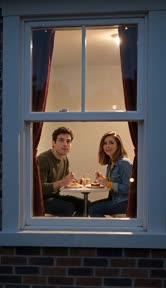 Reviewed AI sampleWatch the Couple Window Dinner example
Updated

Make your Couple Window Dinner video
This two-person scene is selected. Add one photo for the person on the left and one for the person on the right.
Pay once · no subscription
Get your Window Peeper videos
Video quality
A sharper 720p picture on a stronger model.
Add your photos
Each face clearly visible
JPG, PNG or WebP · up to 10 MB · deleted after 24 h
Get your videos
Add your photo now or later; it stays here through checkout
- A failed video comes back
- Pay once · never expires
- Secure Stripe checkout
- Photos deleted after 24 h
Reviewed AI sample
Couple Window Dinner
Two people share dinner at a warm window, notice the camera, smile, and close the curtain.
- 10 s
- 720p
- 9:16
- With sound
- No watermark
The Couple Window Dinner clip
What happens in Couple Window Dinner?
On a staged apartment set at night, a camera moves closer to a warm window. Two people sit together at a small dinner table with pasta or dessert.
They playfully notice the camera, exchange a glance, laugh together, and one person draws the curtain closed. The whole scene plays as a gentle, continuous shot.
How to make it
- Upload two clear adult photos: the first person sits left, the second sits right.
- Use the preselected Couple Window Dinner scene.
- Generate the video, review both people, and download the result.
Photo tips
- Choose clear, evenly lit photos with both faces unobstructed.
- Ask both people for permission to use their photos.
- Use Swap in the generator to change who sits on each side.
More Window Peeper scenes
Explore the other variations
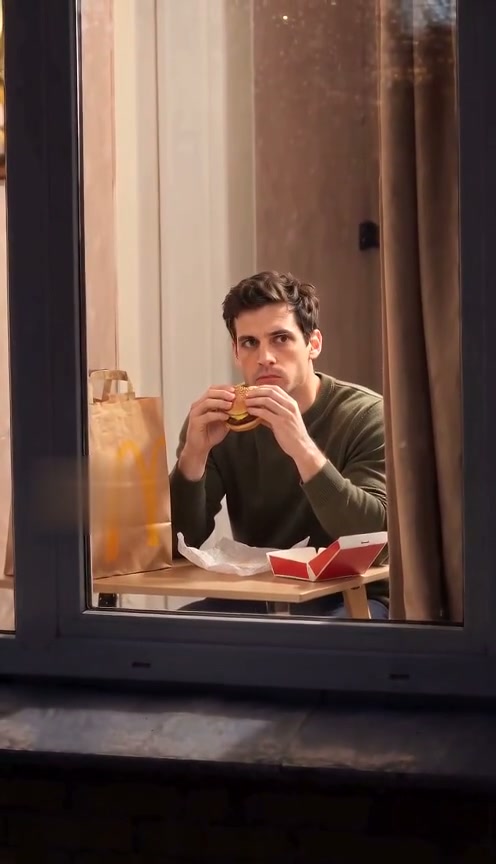
Burger Thru Window
Burger Thru Window is the burger-window version of Window Peeper. Upload a photo and use the same on-page generator to make the window-side scene.
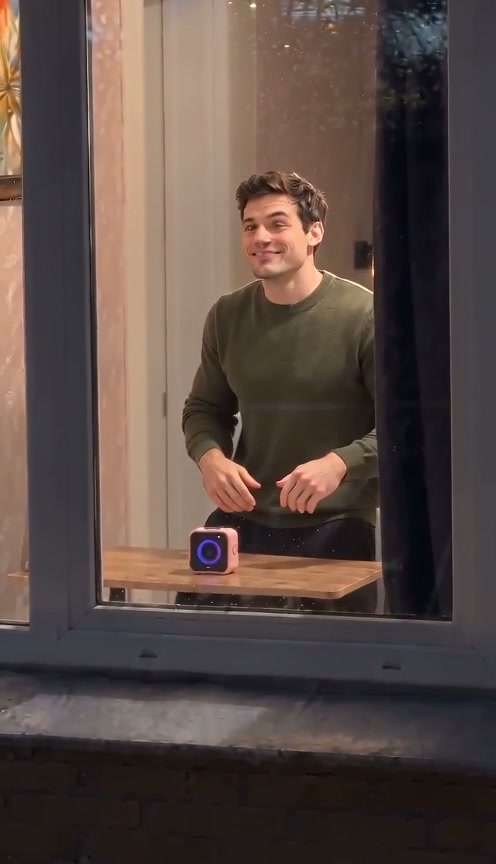
Window Dance
A camera approaches a warmly lit window. Inside, the person dances, notices the camera, smiles, and closes the curtain.
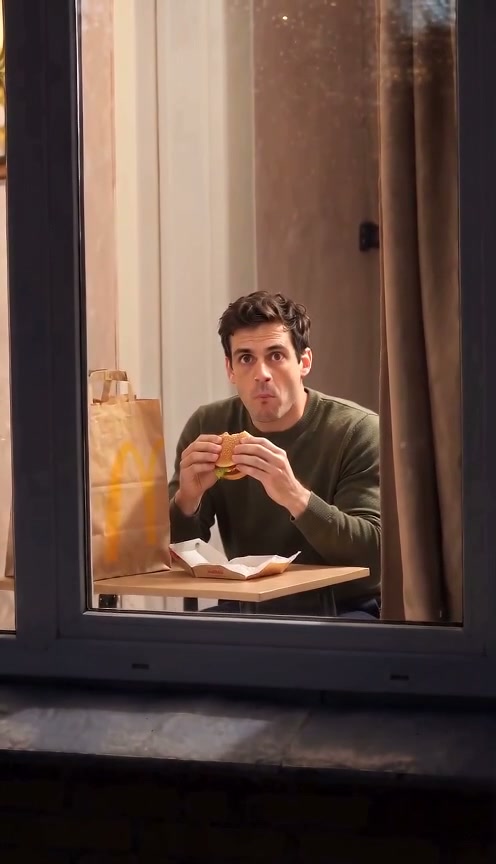
Window Comedy
Make an original window-side comedy: a person notices the camera mid-bite, holds an awkward deadpan stare, points, and closes the curtain.
Pet at the Window
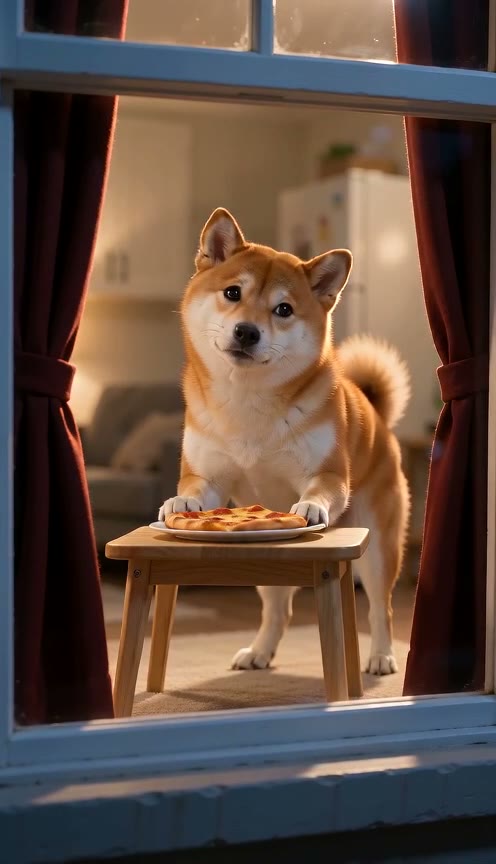
A dog or cat nibbles or paws at food beside a warmly lit window, notices the camera, tilts its head, and pulls the curtain closed.
Window Peeper home
Make the main Window Peeper video from the home page.
Pricing
Window Peeper AI Video Generator pricing
Pick how many videos you want. Pay once, no subscription. Videos you have not made yet never expire, and a video that fails returns to your balance automatically.
A sharper 720p picture on a stronger model.
FAQ
Couple Window Dinner questions
Do I need two photos for Couple Window Dinner?
Yes. Add exactly two photos, one for each adult. The generator waits until both are added. Choose clear, evenly lit faces without masks or heavy filters. How it works lists supported formats.
Who appears on the left and right?
Person 1 (left) comes from your first upload, and Person 2 (right) comes from your second. The prompt keeps them in those positions. Use Swap before generating if you want to reverse the order; generated likeness and movement can vary.
Do both people need to agree to use their photos?
Yes. Both people must be adults who agreed to appear and agreed to the use of their photos. Do not upload a celebrity or public figure. Review the terms before generating or sharing.
What if the two people look different from the photos?
The example shows one result; likeness, timing, and movement can vary. Start with a clear photo of each person and review the result before sharing. A different result is not a failed generation. The prepared scene is available on the prompt page.
What happens if generation fails?
A failed generation automatically returns the video credit to your balance. A successfully generated video that you dislike is not a failed generation. Purchase refunds follow the terms.
Can I use the same credit for a different scene?
Yes. A credit works across scenes at its own quality tier, including this two-person scene. Two uploaded photos still use one video credit for a run. Credits do not transfer between quality tiers; compare them on the pricing page.
Make the main Window Peeper video from one photo.
Make a Window Peeper video