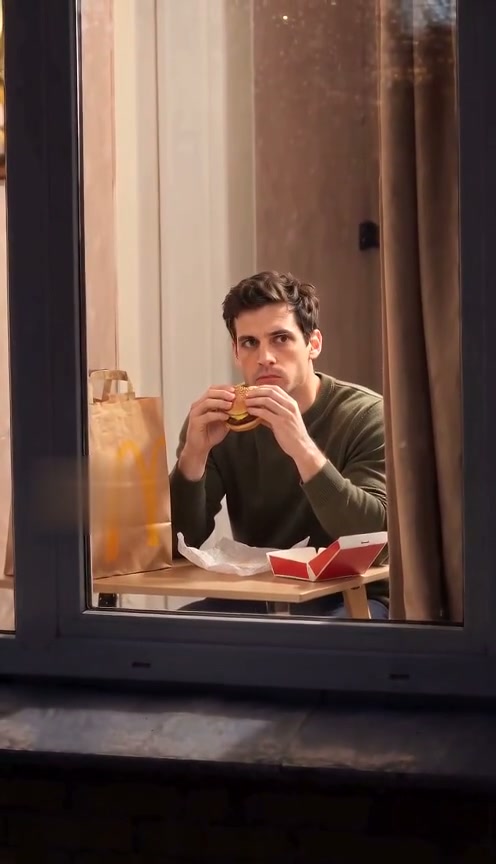
 10-second example
Scene 01
Window Peeper / Window burger
A window-side burger moment, a caught-in-the-act look, and a curtain pull.
Updated · Independent tool. Not affiliated with, endorsed by or sponsored by TikTok, CapCut, any template creator or any film or TV character.
As of 27 October 2026 there is no official window peeper filter on TikTok or Instagram, and CapCut only has user-made templates. To put yourself behind the window, upload a photo and generate a new clip here.
Make your videoUpload one photo, choose a quality, then buy a pack to generate.
Pay once · no subscription
A sharper 720p picture on a stronger model.
Add your photo now or later; it stays here through checkout
Reviewed AI sample
A window-side burger moment, a caught-in-the-act look, and a curtain pull.
| App | Official filter | What you actually get |
|---|---|---|
| TikTok | No | No official camera filter for this scene |
| No | No official camera filter for this scene | |
| CapCut | No official one | User-made templates |
| This tool | — | AI renders a new clip from your photo, no CapCut needed |
A filter changes a live camera view; it cannot put you into a newly rendered scene behind a window. A template combines someone else’s fixed footage with your photo. A generator uses your photo as the person reference and renders a new clip guided by a prepared scene.
Scenes
10-second exampleScene 01
A window-side burger moment, a caught-in-the-act look, and a curtain pull.
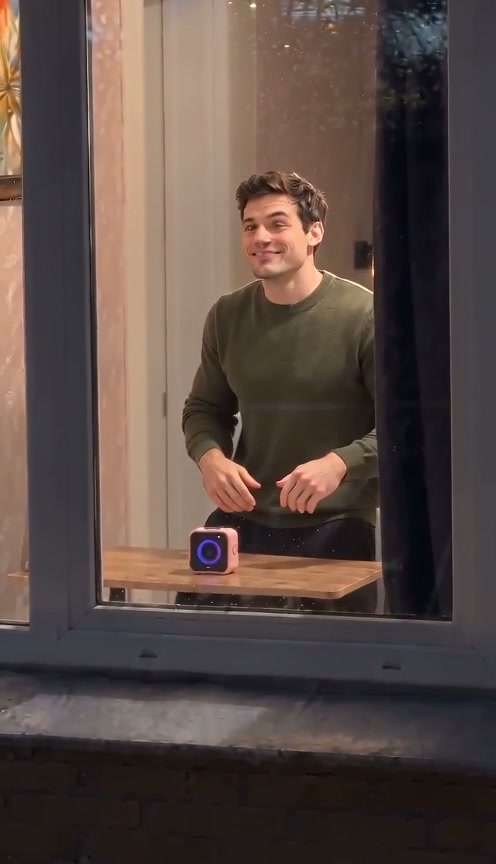 10-second example
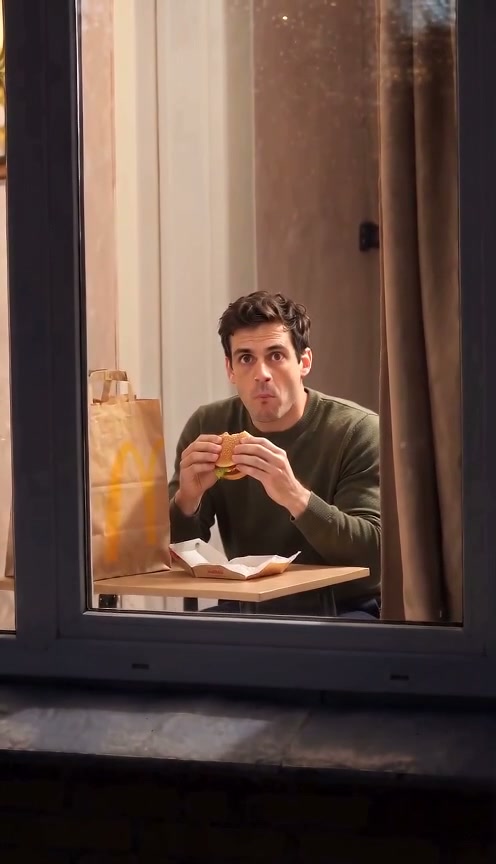 10-second example
Scene 03
A silent, expressive comedy beat at a window, inspired by physical comedy.
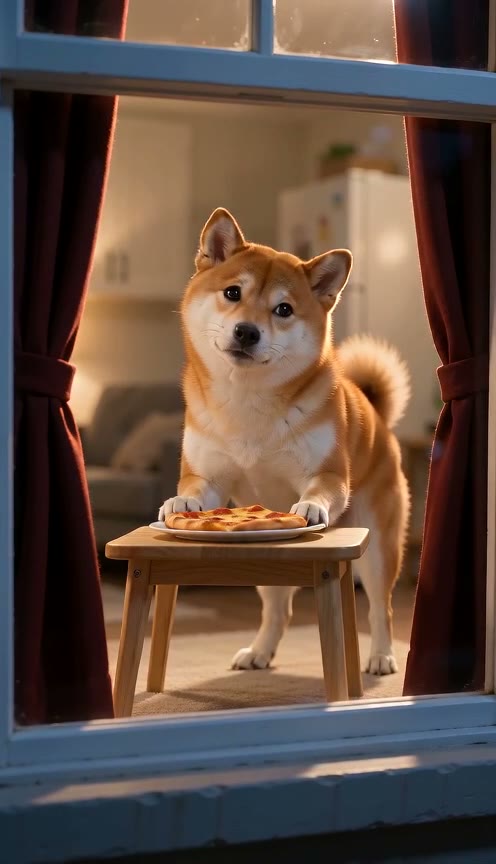
 10-second example
Scene 04
A pet notices the camera while eating beside a warmly lit window, then closes the curtain.
 10-second example
Scene 05
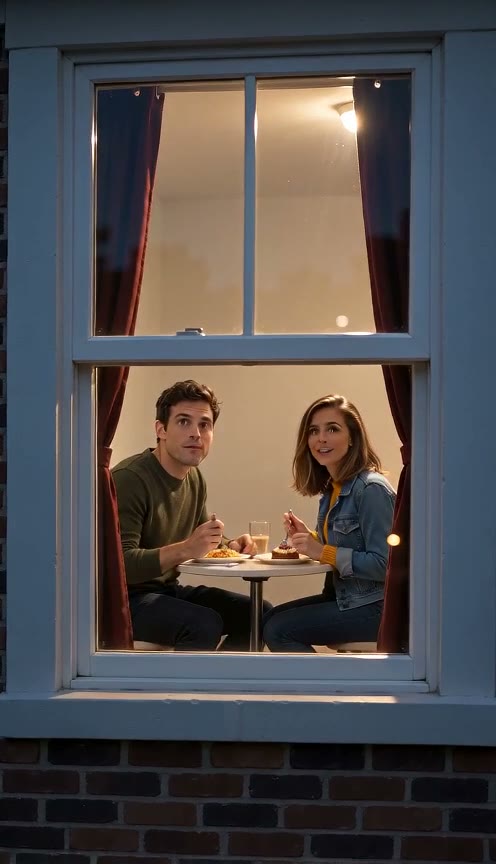
Two people share dinner at a warm window, notice the camera, smile, and close the curtain.
How it works
Choose a clear photo with the face visible so the video can use it as the subject reference.
Choose the burger-window moment, Window Dance, or Window Comedy.
Review the generated vertical video and download it when it is ready.
No official TikTok filter for this scene is available as of the date above. A video may use the word “filter” in its caption or comments, but that does not make it a live camera effect. To make your own clip, upload a clear photo to the generator here (Window burger) and select a quality; the other scenes, including a pet and a two-person version, have their own pages. See the steps before buying a one-time pack.
There is no official Instagram filter for this scene as of the date above. A real-time camera effect and a generated video work differently: this tool uses your uploaded photo as the person reference, then makes a new ten-second scene. Your likeness and movement can vary between results. Read the prompt guide to see what guides the scene before you choose a pack.
No. Upload the photo as it is, without a beauty, face-smoothing or colour filter. The photo is the person reference, so a filter that reshapes the face or changes skin tone can carry into the video or make the likeness less stable. A clear, evenly lit, unfiltered photo with the whole face visible works best. You do not need a filter app at any step: the scene, lighting and camera move come from the prepared prompt. See the photo steps for formats and tips.
People often use “filter” loosely for a short video look, even when the clip was edited or generated. The label in a comment does not tell you how the video was made or whether an official camera effect exists. If you want a new scene with your own photo, use the generator below. How it works shows the photo, scene, quality, purchase, and download steps.
Use the usual precautions for any download: get apps from their official stores, review permissions before granting access, avoid files from unknown links, and do not share account passwords. Those are general safety habits, not a claim about any particular template or creator. You can use this site in your browser without a CapCut download. Read the terms before uploading a photo or buying a pack.
You can make a ten-second vertical video with sound from one photo. The generator on this page makes Window burger; Window Dance, Window Comedy, Pet at the Window and Couple Window Dinner have their own pages. Choose 720p High quality from $9.90 or 480p Standard from $6.60 for one video. Packs are one-time purchases, with no subscription. The model renders a new clip, so a perfect facial match is not guaranteed. Compare all packs before checkout.