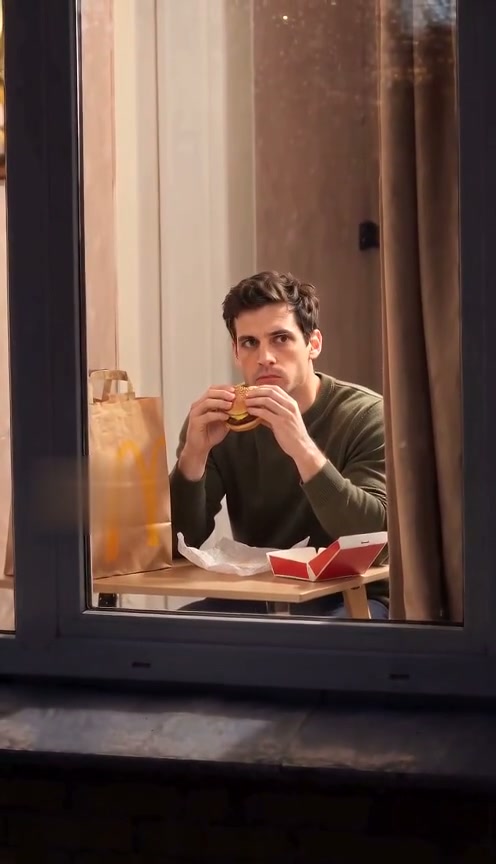
 10-second example
Scene 01
Window Peeper / Window burger
A window-side burger moment, a caught-in-the-act look, and a curtain pull.
Updated · Independent tool. Not affiliated with, endorsed by or sponsored by TikTok, CapCut, any template creator or any film or TV character.
As of 27 October 2026, CapCut has no official window peeper template. The ones circulating are user-made, and they reuse the same footage for everyone — which is why your face usually doesn't match the body in the clip.
Make your videoUpload one photo, choose a quality, then buy a pack to generate.
Pay once · no subscription
A sharper 720p picture on a stronger model.
Add your photo now or later; it stays here through checkout
Reviewed AI sample
A window-side burger moment, a caught-in-the-act look, and a curtain pull.
| CapCut user template | Manual edit in CapCut | One photo here | |
|---|---|---|---|
| You start with | Someone else’s footage | A clip you film yourself, or stock footage of a window | One clear photo |
| Whose body is in the clip | The original performer’s, with your picture inserted | Yours, if you film yourself | A new render guided by your photo |
| Skills needed | None | Background removal, masking and keyframes | None |
| Sound | The template’s track | You add it | Generated with the clip |
A manual CapCut version is usually built in layers: film yourself at a table or find footage of a lit window at night, remove the background or mask yourself into the window, keyframe a slow push-in toward the glass, then add the stare, the curtain and the sound. It gives you full control, and it takes editing time and practice. A template skips the work but keeps someone else’s footage. Here, one photo and a prepared scene replace those layers.
Scenes
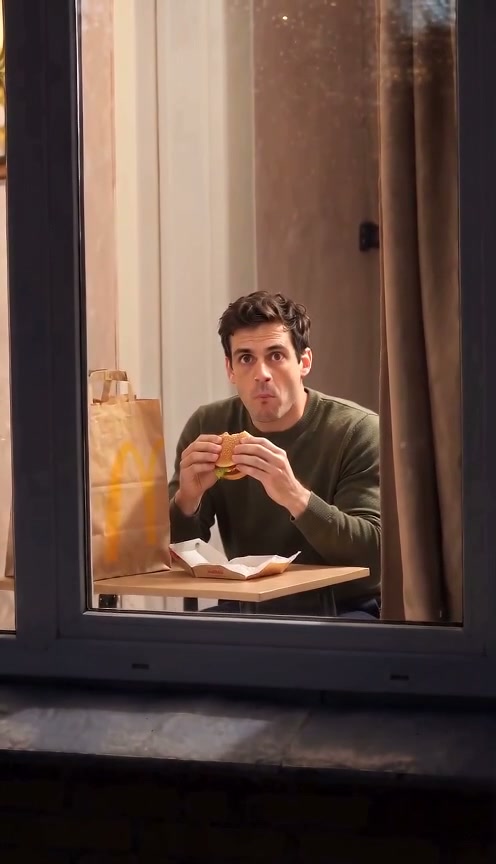
10-second exampleScene 01
A window-side burger moment, a caught-in-the-act look, and a curtain pull.
 10-second example
 10-second example
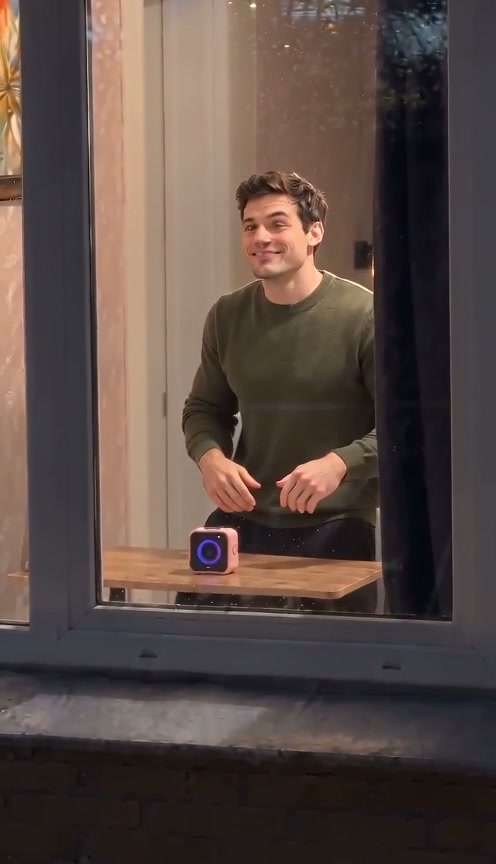
Scene 03
A silent, expressive comedy beat at a window, inspired by physical comedy.

 10-second example
Scene 04
A pet notices the camera while eating beside a warmly lit window, then closes the curtain.
 10-second example
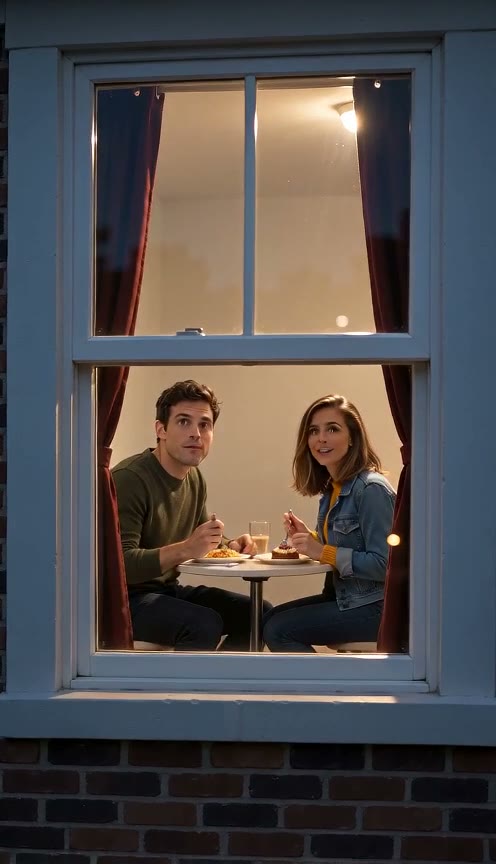
Scene 05
Two people share dinner at a warm window, notice the camera, smile, and close the curtain.
How it works
Choose a clear photo with the face visible so the video can use it as the subject reference.
Choose the burger-window moment, Window Dance, or Window Comedy.
Review the generated vertical video and download it when it is ready.
No official template for this look is available as of the date above. The versions circulating are user-made. If you use one, inspect its footage and how your image is inserted before posting the result. This site offers a separate way to make a new video from one photo. See the filter comparison for how templates differ from camera effects and generators.
A template reuses fixed video, then places or swaps your image into it. The original body position, lighting, head angle and movement may not match your photo, so the join can look off. A generated clip uses your photo as the person reference and creates new motion, though it cannot promise an exact likeness. Read how the effect is built before you choose a method.
It depends on the footage you start with and how comfortable you are with masking, cutouts and alignment. A manual edit has several decisions and corrections, especially when a face moves behind glass or a curtain. There is no reliable fixed number of minutes to promise. If you prefer a prepared scene, upload one photo here. How it works explains the generation steps.
You do not need CapCut or a CapCut membership to use this generator. Upload a photo in your browser, choose 720p or 480p, and buy a one-time pack if your balance is empty. The generator here makes Window burger; the other scenes have their own pages. We do not set or describe CapCut's own membership rules. Compare this site's packs to see the exact price for each quality and quantity.
Yes. The workbench is available in your phone browser: add a clear photo, choose a quality, then generate after buying a pack. You can review the result in My Creations and download it when ready. A full face and even lighting give the model a better reference. Check the photo steps before you start, and use only an image you have permission to upload.
After you submit, the workbench tracks the job and the finished video appears in My Creations when it is ready. Processing time can vary, so there is no fixed completion time to promise for a particular clip. A failed generation automatically returns its video credit; a successful result remains in your creations. Read the generation steps to see how to check and download it.