A pet caught at the window
Pet at the WindowVideo Generator
A dog or cat nibbles or paws at food beside a warmly lit window, notices the camera, tilts its head, and pulls the curtain closed.
Make a Pet at the Window video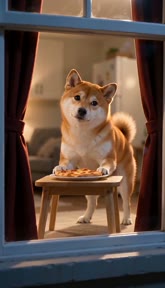 Reviewed AI sampleWatch the Pet at the Window example
Updated
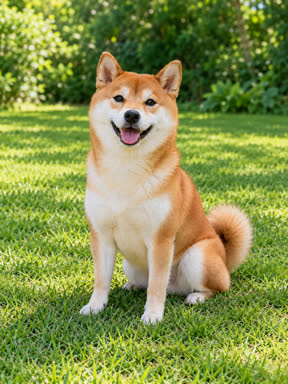
Make a Pet at the Window video
The Pet at the Window scene is selected. Add one clear dog or cat photo to create a video.
Pay once · no subscription
Get your Window Peeper videos
Video quality
A sharper 720p picture on a stronger model.
Add your pet’s photo
Get your videos
Add your photo now or later; it stays here through checkout
- A failed video comes back
- Pay once · never expires
- Secure Stripe checkout
- Photos deleted after 24 h
Reviewed AI sample
Pet at the Window
A pet notices the camera while eating beside a warmly lit window, then closes the curtain.
- 10 s
- 720p
- 9:16
- With sound
- No watermark
The Pet at the Window clip
What happens in Pet at the Window?
The camera moves toward a warmly lit set window at night. Inside, one pet nibbles or paws at a piece of food, then freezes after noticing the filming camera.
The pet tilts its head and uses a paw to close the curtain. The 10-second vertical clip has quiet night ambience, subtle chewing, and a curtain swish without speech.
How to make it
- Upload one clear dog or cat photo with its face and body visible.
- Use the preselected Pet at the Window scene.
- Generate the video, review it, and download the result.
Photo tips
- Use even lighting and show the pet’s face and body clearly.
- Keep other pets and people out of the photo.
- Fur markings and likeness in the generated video may vary.
More Window Peeper scenes
Explore the other variations
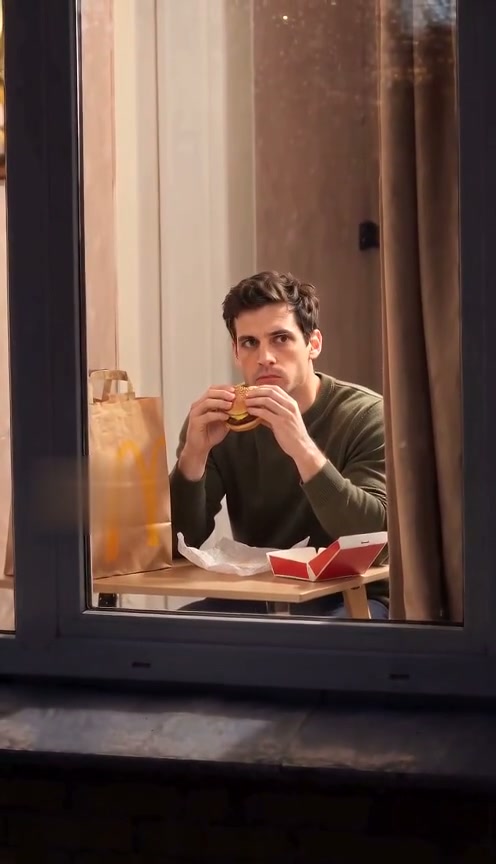
Burger Thru Window
Burger Thru Window is the burger-window version of Window Peeper. Upload a photo and use the same on-page generator to make the window-side scene.
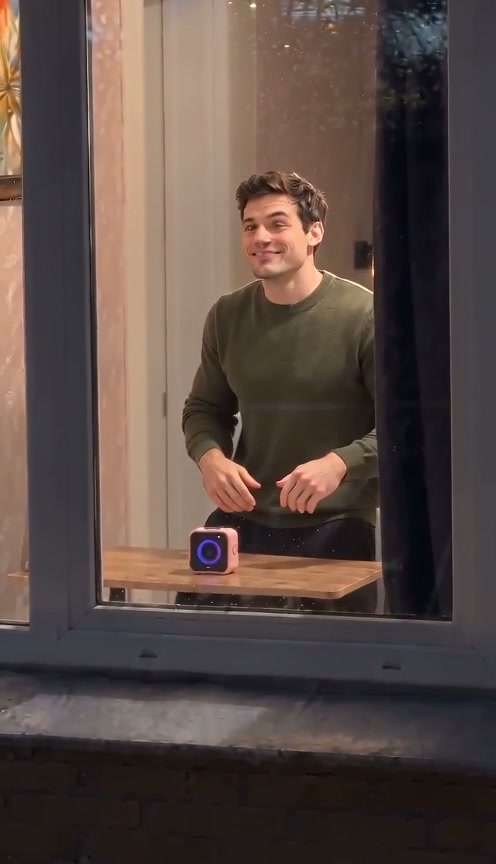
Window Dance
A camera approaches a warmly lit window. Inside, the person dances, notices the camera, smiles, and closes the curtain.
Window Comedy
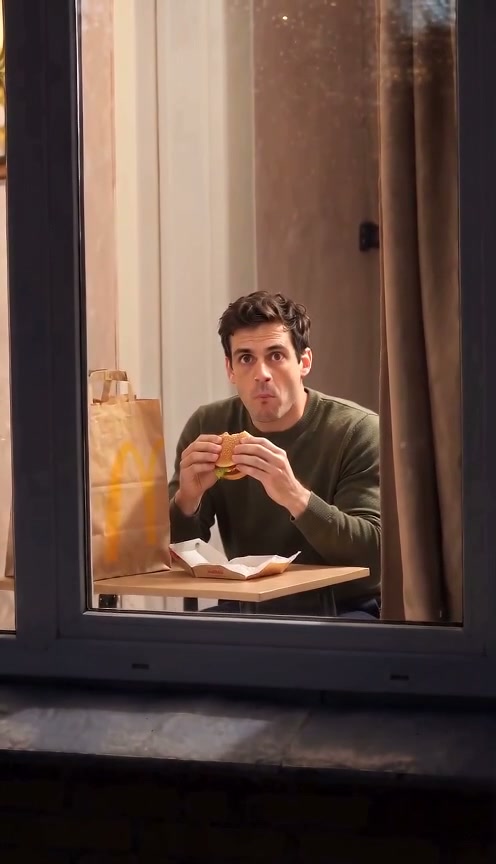
Make an original window-side comedy: a person notices the camera mid-bite, holds an awkward deadpan stare, points, and closes the curtain.
Couple Window Dinner
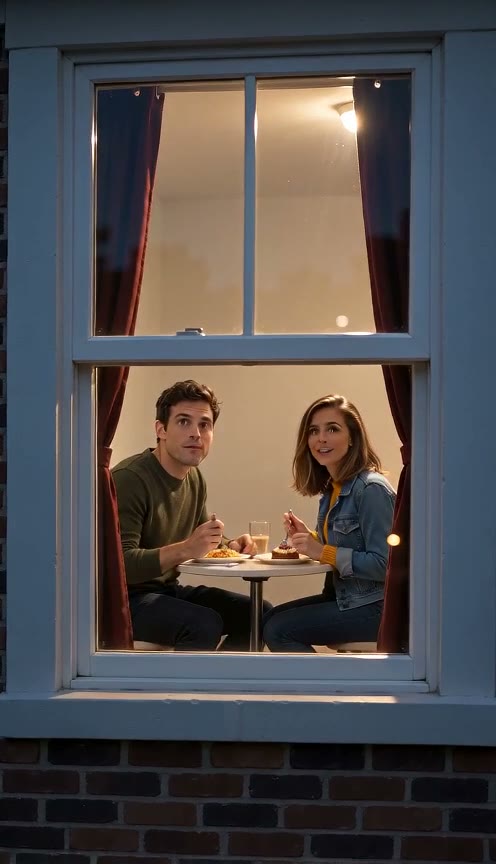
Bring two people into the same video. Upload a photo of each adult, then watch them share dinner by a warmly lit window, notice the camera, laugh together, and close the curtain.
Window Peeper home
Make the main Window Peeper video from the home page.
Pricing
Window Peeper AI Video Generator pricing
Pick how many videos you want. Pay once, no subscription. Videos you have not made yet never expire, and a video that fails returns to your balance automatically.
A sharper 720p picture on a stronger model.
FAQ
Pet at the Window questions
What if my Pet at the Window video looks different from the example?
The example shows one result. Your photo supplies the pet in your video, while the prepared scene guides a food nibble, a surprised pause, a head tilt, and a curtain pull. Fur markings, likeness, timing, and movement can vary; an exact match is not guaranteed. Start with a clear, evenly lit photo showing your pet's face and body. A different result is not a failed generation.
What kind of pet photo should I upload?
Use one clear, evenly lit photo of one dog or cat with its face and body visible. Avoid multiple pets in the frame, people, filters, text overlays, and crops that hide the pet's features. The photo is the identity reference for the pet in Pet at the Window. How it works lists the supported file formats.
Can I share my pet video on my social accounts?
You retain rights to content you submit, but you must have the right to use the pet photo you upload. Pet at the Window creates a video from that photo and a prepared scene. Review the result before sharing and follow the rules of the account or platform where you post it. The site makes no promise about how a platform will treat your post. The terms cover content rights.
What happens if generation fails or I dislike the result?
A failed generation automatically returns the video credit to your balance. A successfully generated video that you do not like is not a failed generation and does not return its credit. For a purchase, you can request a self-service refund in Settings → Billing within 7 days; videos already made are deducted at the paid per-video rate, and the unused part is refunded. The terms have the full refund policy.
How is this different from a fixed video template?
A fixed template starts with existing footage. Here, the generator uses your uploaded pet photo as the reference and makes a new clip guided by the selected scene's prepared prompt. Pet at the Window guides a food nibble, a surprised pause, a head tilt, and a curtain pull; the final movement, fur pattern, and likeness can vary. You can read the prepared prompt on the prompt page before buying a pack or generating.
Do I need another pack to switch scenes?
No. A credit belongs to a quality tier, not one scene. 480p packs: 1 video for $6.60, 3 videos for $16.60, 8 videos for $36.60; 720p packs: 1 video for $9.90, 3 videos for $24.90, 8 videos for $59.90. A credit works across all scenes at its own quality, so switching from Pet at the Window needs no new purchase while you have a credit. Credits do not transfer between qualities. Compare both groups on the pricing page.
Make a Pet at the Window video from one pet photo.
Make a Pet at the Window video