Window Peeper Meme: Origin, Best Versions, GIF
Trace the Window Peeper meme's October 20 TikTok breakout, browse funny image and video variations, and turn a 10-second MP4 into a GIF with FFmpeg.
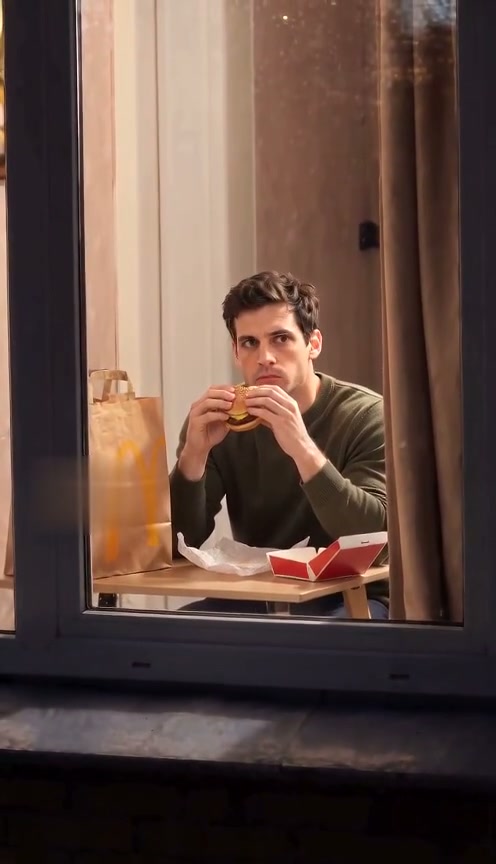
The Window Peeper meme is easy to recognize in a still image: one bright window, a caught-in-the-act expression, and a curtain about to close. The CapCut template listing for the format is dated October 20, 2026, the day this version began breaking out on TikTok. That date is a useful public marker; it does not establish a single first TikTok post. See the CapCut template listing.
Where the meme came from
The meme grew around a short vertical clip staged like a view from outside at night. A camera approaches one lit window, catches someone in a private-feeling but comic moment, and gets a stare before the curtain closes. The October 20 CapCut listing gives the format a dated starting point for its TikTok spread. The exact first post is harder to verify, so treat “October 20 breakout” as the point when the template version surfaced, not a proven creator or origin story.
For Window Peeper meme images, the frame that reads fastest is usually the reaction: the face turned toward the viewer, burger or snack still in hand, with the curtain visible at the edge. A caption can supply the joke without explaining the whole trend—for example, “me when the delivery says ‘arriving now’” or “the roommate heard the fridge.” These are caption ideas, not quotes from a specific viral post.
Funny Window Peeper versions to try
- The frozen snack face: keep the burger, pizza, or late-night snack in frame and make the caught expression the punchline.
- The pet witness: use a cat or dog staring back beside an empty bowl; the contrast between a serious stare and an ordinary mess sells the joke.
- The roommate reveal: show two people reacting to the camera at once, then let one person reach for the curtain.
- The dramatic curtain close: use a very ordinary situation—mid-song dance, laundry, or a midnight snack—and play the final curtain pull as if it were a movie ending.
For a still meme, choose a frame where the face, window edge, and curtain are all readable at phone size. A busy background or a face hidden behind the glass makes the joke harder to get at a glance.
Turn a 10-second MP4 into a GIF
This generator exports MP4 video, not GIF files. After downloading your 10-second MP4, you can make a GIF with the free command-line tool FFmpeg. This example scales the clip to 480 pixels wide, limits it to 12 frames per second, and creates a small color palette for cleaner gradients:
ffmpeg -i window-peeper.mp4 -filter_complex "[0:v]fps=12,scale=480:-1:flags=lanczos,split[a][b];[a]palettegen=stats_mode=diff[p];[b][p]paletteuse=dither=bayer:bayer_scale=5" -loop 0 window-peeper.gifFor a shorter reaction GIF, add -ss 2 -t 3 before -i to start at 2 seconds and keep 3 seconds. GIFs can become large; reducing the width, frame rate, or duration will usually shrink the file. Check the destination app’s upload limit before sharing.
Make your own Window Peeper clip
Generate a 10-second MP4 from a photo, then turn the moment you like into a meme image or GIF. Open the Window Peeper generator to choose a scene and start with your photo.
Author

Categories
More Posts
Mr Bean Window: the Comedy Version of the Window Peeper Trend
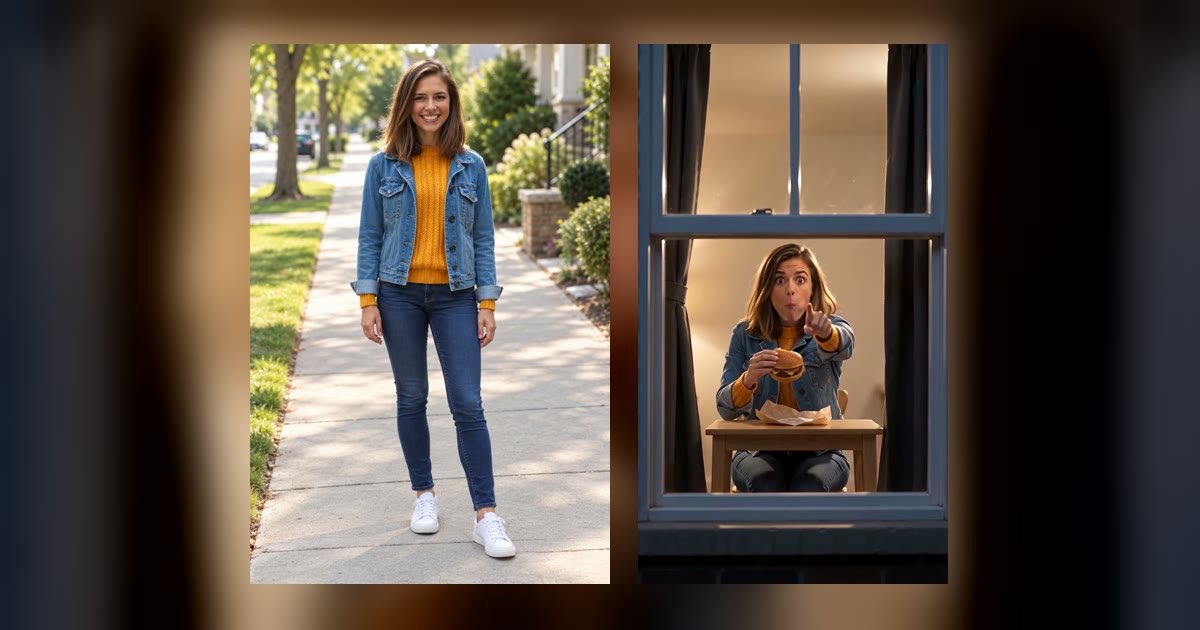
Why people call this the Mr Bean window joke, how its exaggerated expression beats land, and how the comedy cut differs from the straight burger version.
Pet at the Window: Which Pet Photos Work and Which Do Not
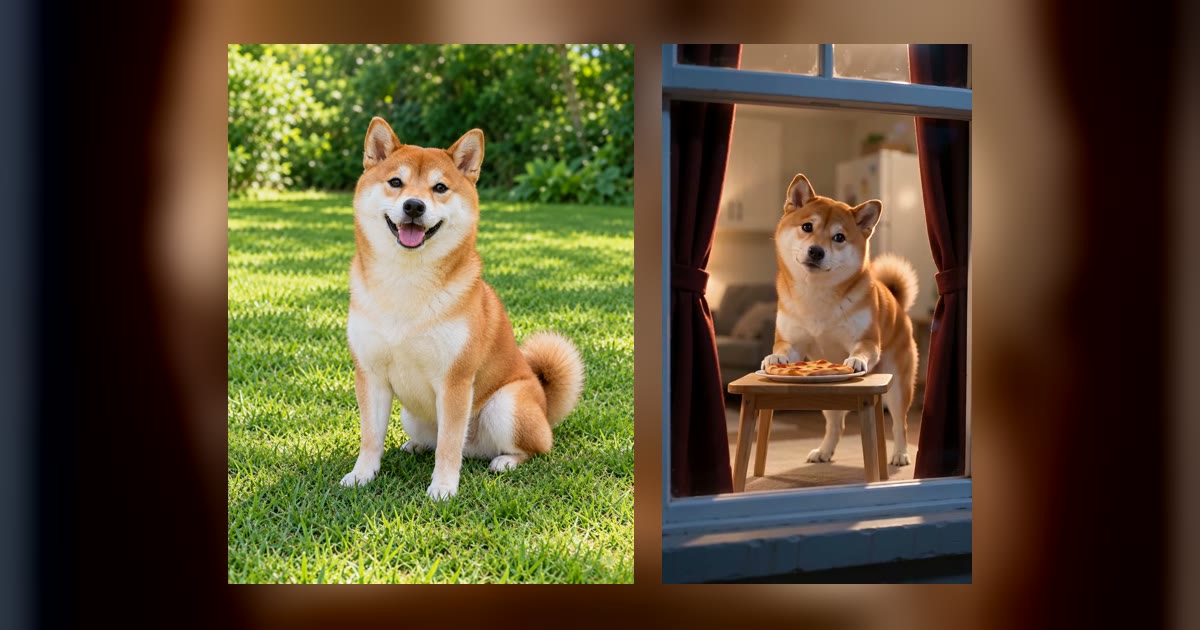
Choose a single clear cat or dog photo, understand the limits with multiple pets or people, and judge whether the face and body are visible enough.
Window Peeper AI Tools Compared: Maker, WindowPeeperAI, Viberot, Viddo
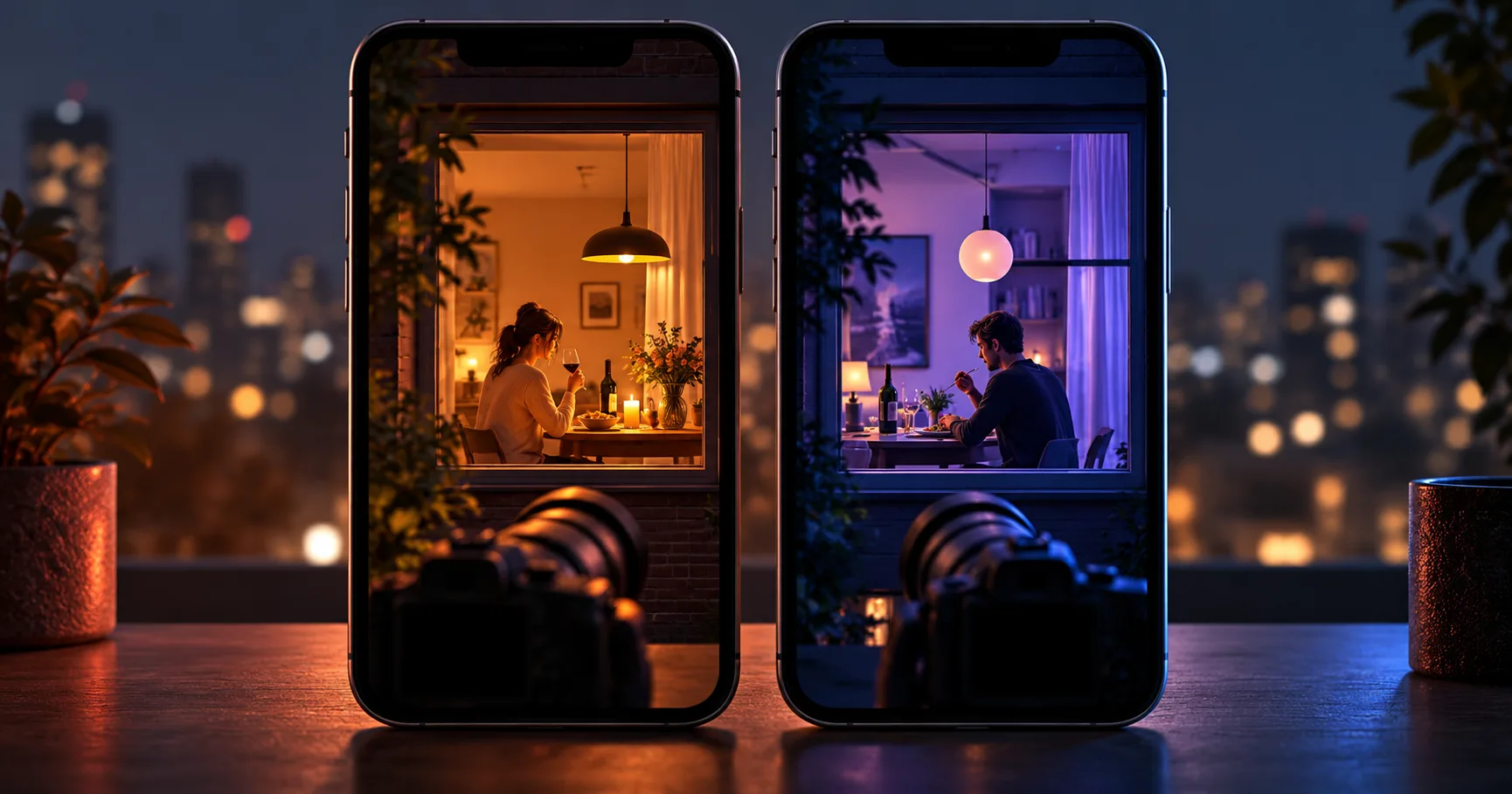
Compare photo counts, clip length, prices, free quotas and CapCut workflows across four window peeper video tools.