How to Do the Burger Thru Window Trend From One Photo
How to make the Burger Thru Window (Window Peeper) video from one photo, second by second, what photo to use, the CapCut route, and what it costs.
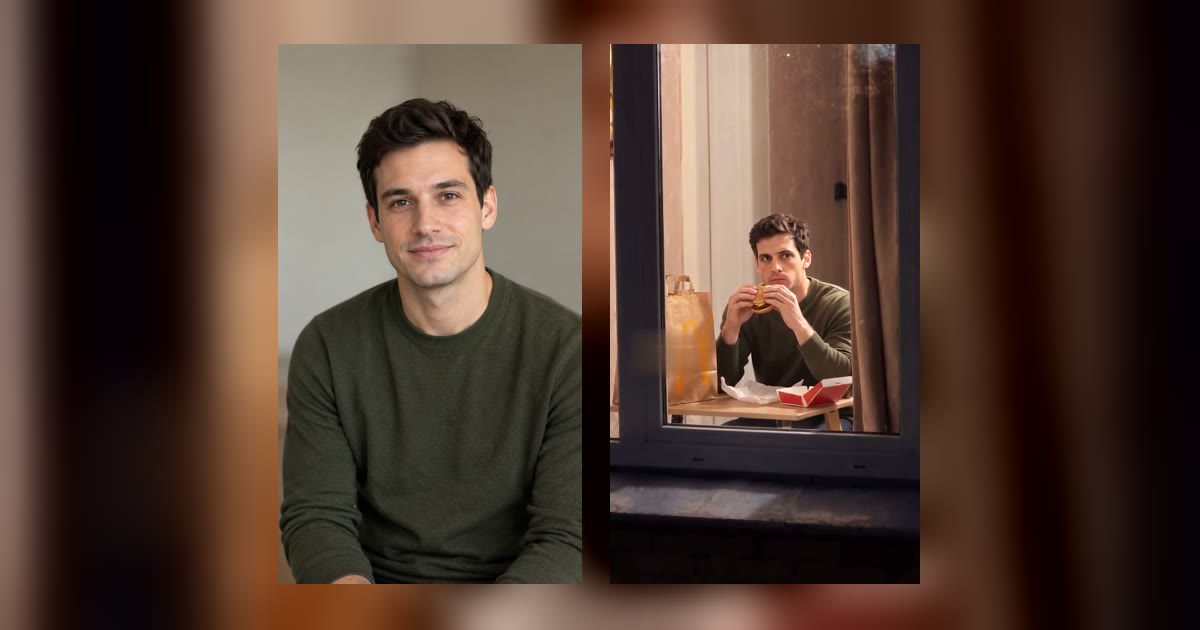
The Burger Thru Window video is the original Window Peeper joke. A camera drifts toward the one lit window in a dark building at night. Inside, someone is caught mid-bite of a burger, freezes with a full mouth and stares back, then gets up and pulls the curtain shut.
You can make it without filming anything. Upload one photo to the Burger Thru Window generator and it renders a new 10-second clip with you at the table.
Quick answer
- Open Burger Thru Window. The burger scene is already selected.
- Upload one clear photo of yourself, with your face visible.
- Pick 720p or 480p and generate. It usually takes 2 to 6 minutes.
- Download the 10-second, 9:16 video with sound and post it.
What does our test look like?
The cover of this guide is our own test: on the left is the AI-generated portrait we uploaded, and on the right is a frame from the video made from it. This is the full result, made at Standard 480p:
Your own photo will give a different face and slightly different movement. The example shows what the scene does, not an exact copy of your result.
What happens in the Burger Thru Window video?
The scene runs a prepared prompt with fixed timing. You can read the whole prompt on the prompt page.
| Time | What happens |
|---|---|
| 0–2.5 s | The camera moves toward the one lit window. You sit at a small wooden table with a burger and a paper bag. |
| 2.5–4 s | You take a big bite and have not noticed the camera yet. |
| 4–7.5 s | You notice it, freeze mid-chew, and hold a flat, slightly annoyed stare. |
| 7.5–8.5 s | You put the burger down and stand up. |
| 8.5–10 s | You pull the curtain shut. Warm light still shows behind it. |
The sound is quiet city ambience, a paper rustle, chewing and the curtain swish. There is no speech or music, so you can add a trending sound in TikTok or CapCut.
How do I make it step by step?
1. Choose a photo. One person, face fully visible, even light. A waist-up photo works better than a tight selfie because the model also sees your clothes and shoulders.
2. Pick a quality. High quality 720p uses a stronger model and gives a sharper picture. Standard 480p is cheaper and fine for TikTok, Reels and Shorts.
3. Buy a pack if your balance is empty. Packs hold 1, 3 or 8 videos of one quality. You pay once, there is no subscription, and unused videos do not expire.
4. Generate. It usually takes 2 to 6 minutes. You can close the page; the video is saved in My Creations.
5. Check it and post. Watch it before you post. Then download it and add your caption.
What photo works best?
- One person only, so the model knows who sits at the table.
- The whole face visible: no sunglasses, mask or hand over the face.
- Even light, without heavy shadows across the face.
- No beauty filter, text overlay or sticker on the photo.
- JPG, PNG or WebP, up to 10 MB.
Only upload a photo of yourself or of an adult who agreed to it.
Can I do the Burger Thru Window trend in CapCut?
Partly. CapCut has no official Window Peeper template. The most used one is a user-made template called "Window Peeper" by theolic. It puts your photo into fixed footage; it does not render you eating at the window. The Window Peeper CapCut guide compares the template, a manual edit and the one-photo route.
You can still use CapCut afterwards. Download the video from here and add text, a sound or a cut in CapCut like any other clip.
Why does my video look different from the example?
- The face looks less like you in the wide opening. The face is smallest while the camera is still far from the window. Likeness is usually strongest from the bite onwards, when you fill more of the frame.
- The stare is shorter or longer. The timing in the table is what the prompt asks for. The model can drift by a fraction of a second.
- You smile instead of staring. The prompt asks for no smile, no wave and no pointing. AI video can still vary. A result you do not like is not a failed generation, so another try uses another video.
A failed generation returns its video to your balance automatically.
How much does it cost?
| Quality | 1 video | 3 videos | 8 videos |
|---|---|---|---|
| Standard 480p | $6.60 | $16.60 | $36.60 |
| High quality 720p | $9.90 | $24.90 | $59.90 |
A video from a pack works with every scene of the same quality, so you can switch to Window Dance or Pet at the Window without buying again. Within 7 days of a purchase you can request a refund in Settings, minus the videos already made. Pricing has the details.
More Window Peeper guides
Author

Categories
More Posts
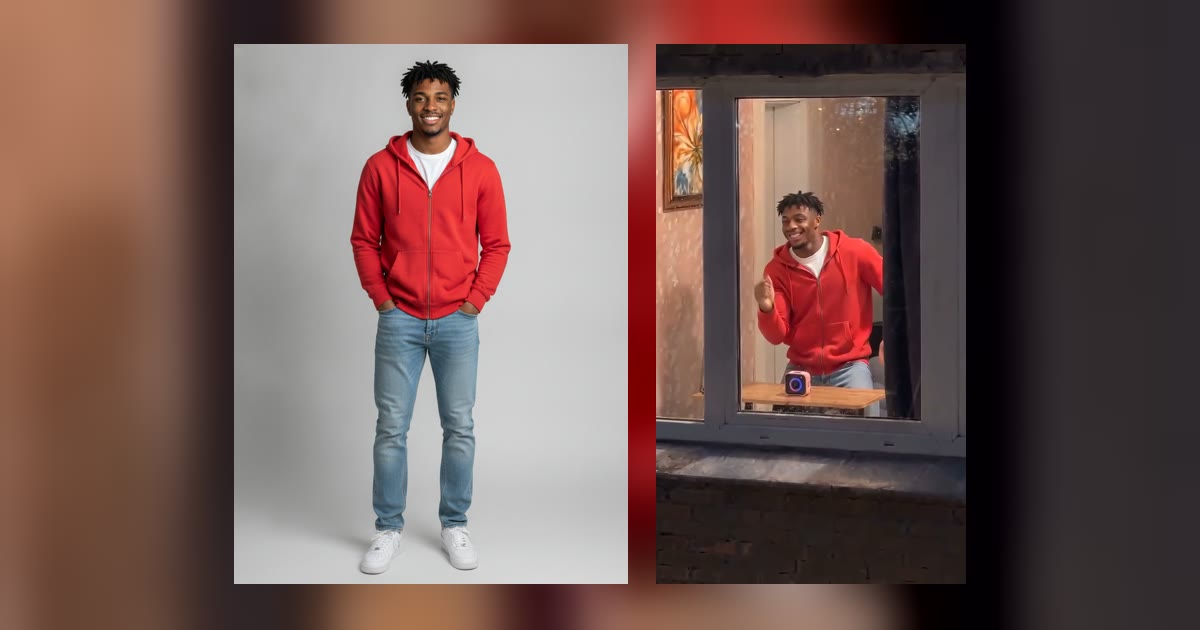
How to Make a Window Dance Video From One Photo
How to do the Window Dance trend from one photo: what happens second by second, which photo to use, where the music comes from, and what it costs.
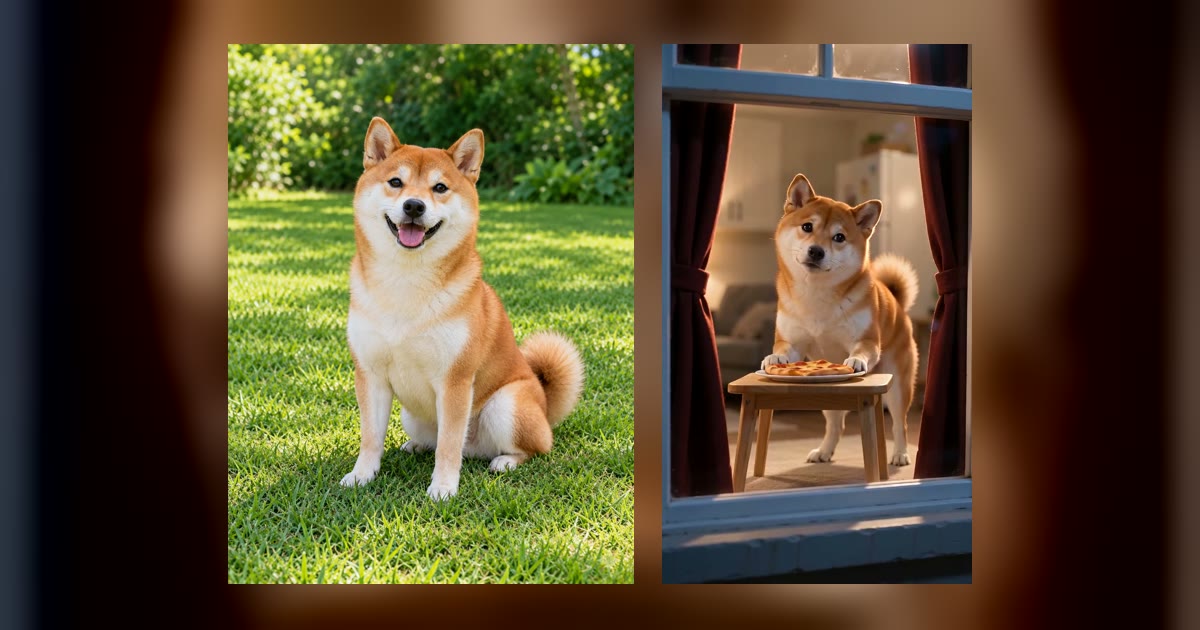
How to Make a Pet at the Window Video of Your Dog or Cat
How to put your dog or cat in the Window Peeper trend from one photo: the stolen pizza, the head tilt and the paw on the curtain, plus photo tips and prices.
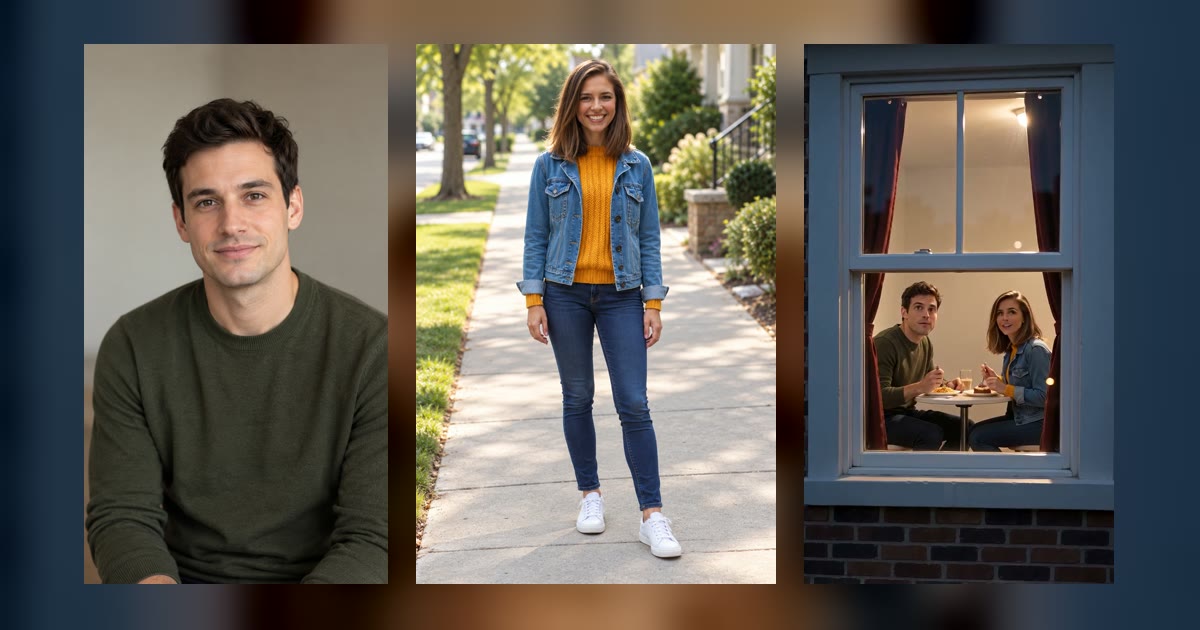
How to Make a Couple Window Dinner Video From Two Photos
How to put two people in one Window Peeper video: upload two photos, choose who sits left and right, and get a 10-second window dinner clip. Prices inside.